Online AI Storyboarding Tools
Best Storyboard for Stop-Motion Animation
Plan frame-perfect stop motion. Immersfy is a fast, intuitive storyboarding tool that helps you map scenes, camera moves, timing, and dialogue—so production stays organized and your story lands.
What is a Stop Motion Storyboard?
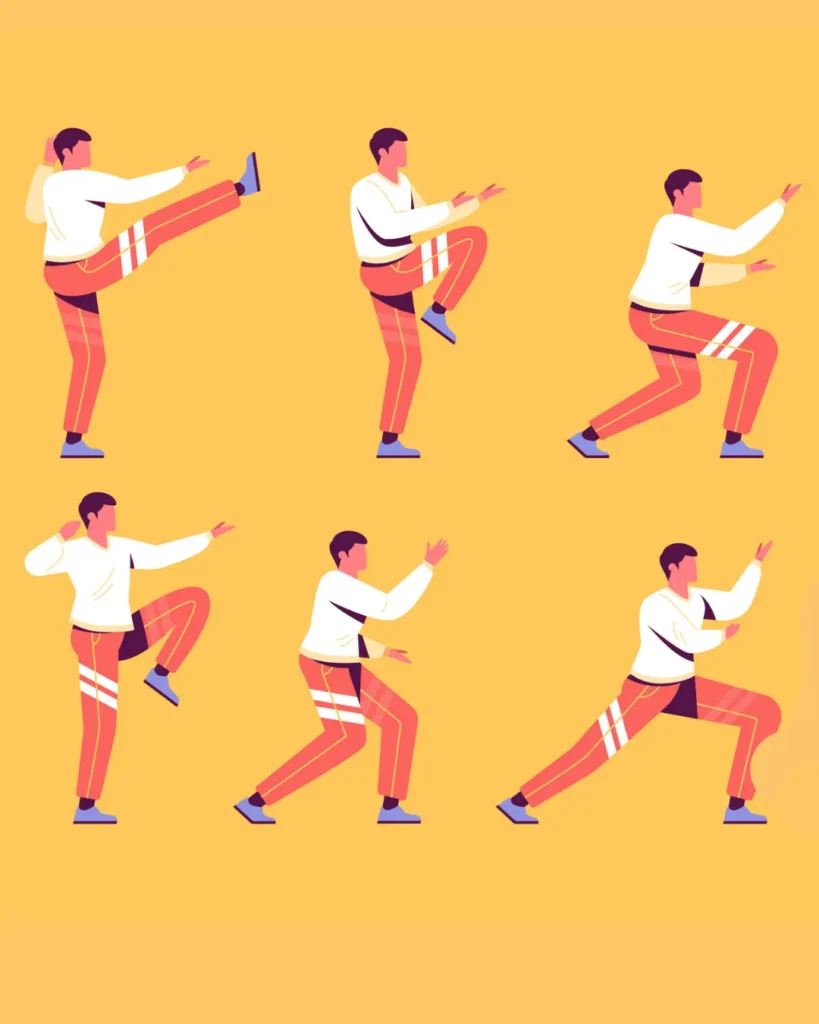
A stop-motion storyboard is a visual guide that maps your film through illustrated panels, showcasing camera angles, character movements, timing, and scene flow. It acts as a blueprint for your animation, helping creators plan rhythm, exposure counts, and story beats. Organizing every frame in advance ensures smoother production and consistent storytelling.
Powerful Features for Stop-Motion Animation Storyboard
You’re an independent filmmaker, a YouTuber, or a brand producing commercial stop-motion content, storyboarding is the smartest way to bring your vision to life. Storyboarding acts as the foundation of a stop-motion film.
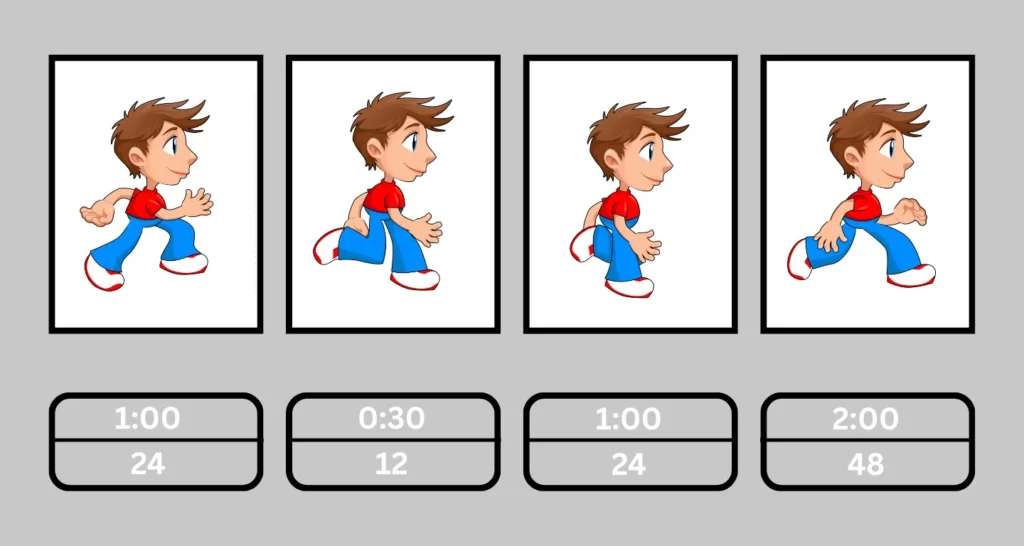
Frame-Accurate Timing
Set panel durations and exposure counts to pre-plan rhythm and motion.
Camera & Movement Notes
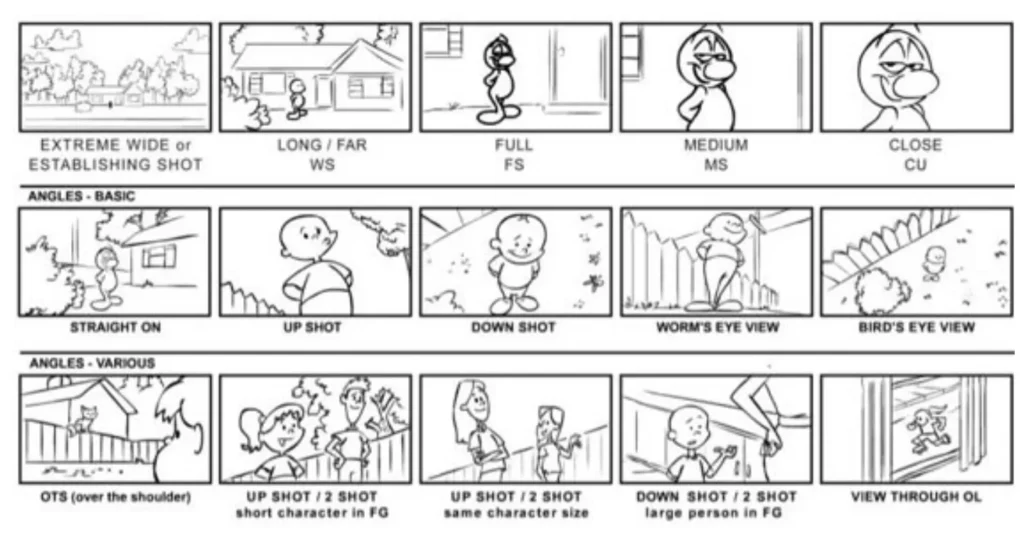
Standardize angle, lens, tilt, pan, dolly, or slider instructions.
Dope Sheet & Shot Lists
Auto-generate production paperwork from boards.
Animatics
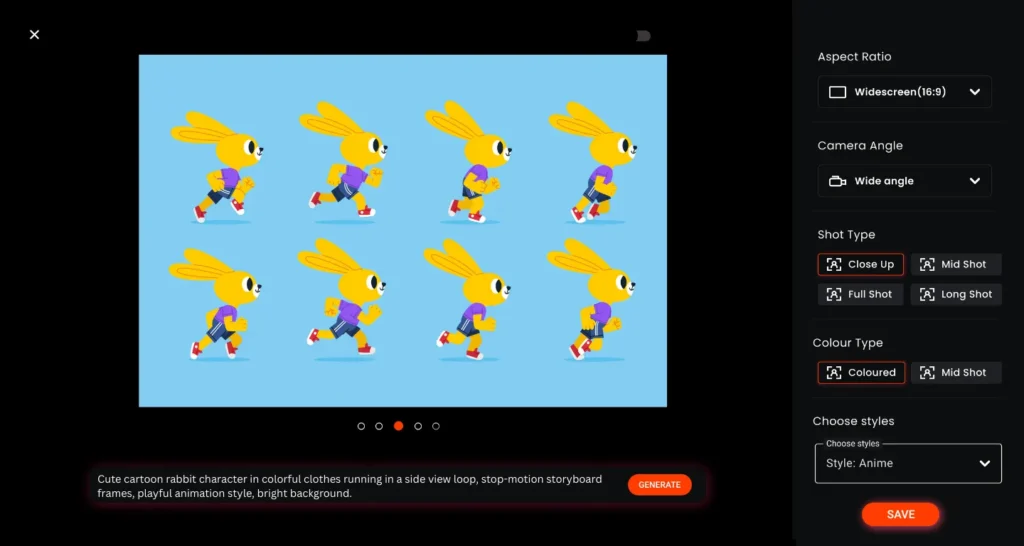
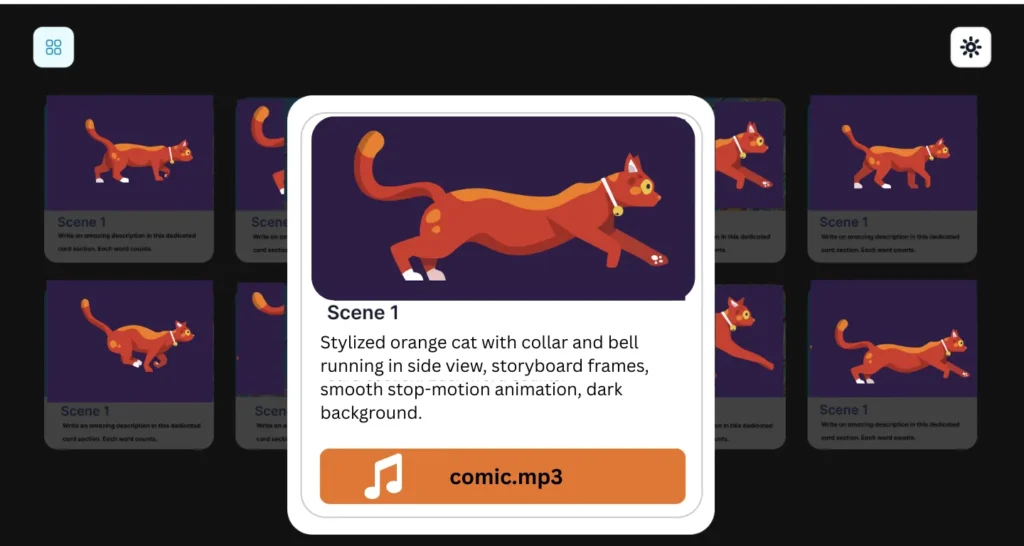
One click to preview and share timing with sound placeholders.
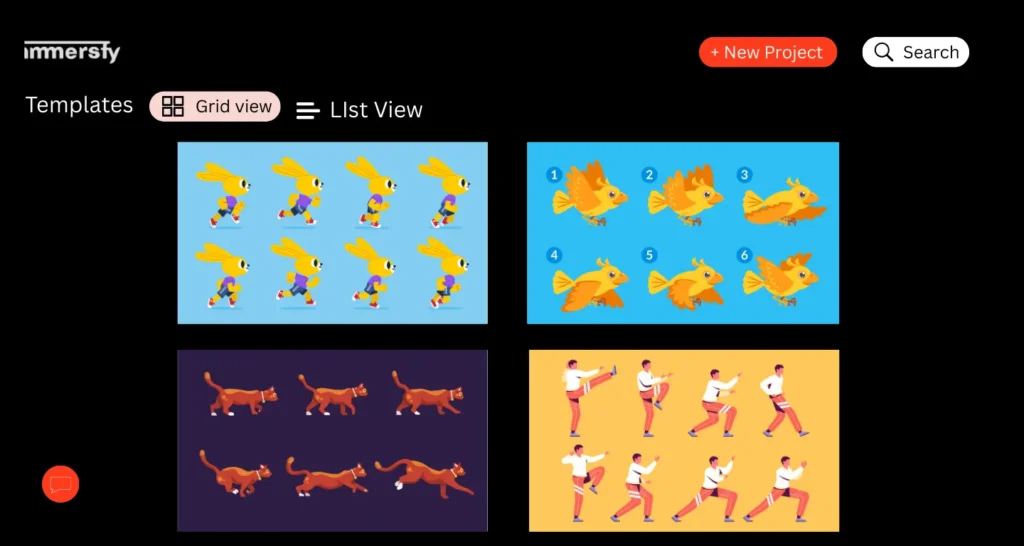
Templates Library
Start faster with production-tested templates for ads, shorts, and social content.
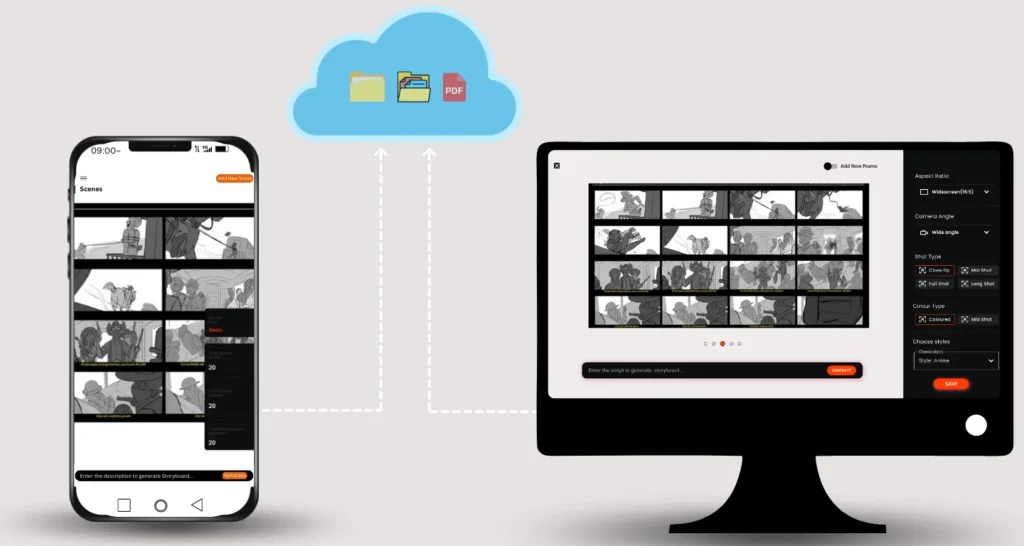
Cloud & Access Anywhere
Because Immersfy runs as a storyboard website, you can collaborate from any modern browser.
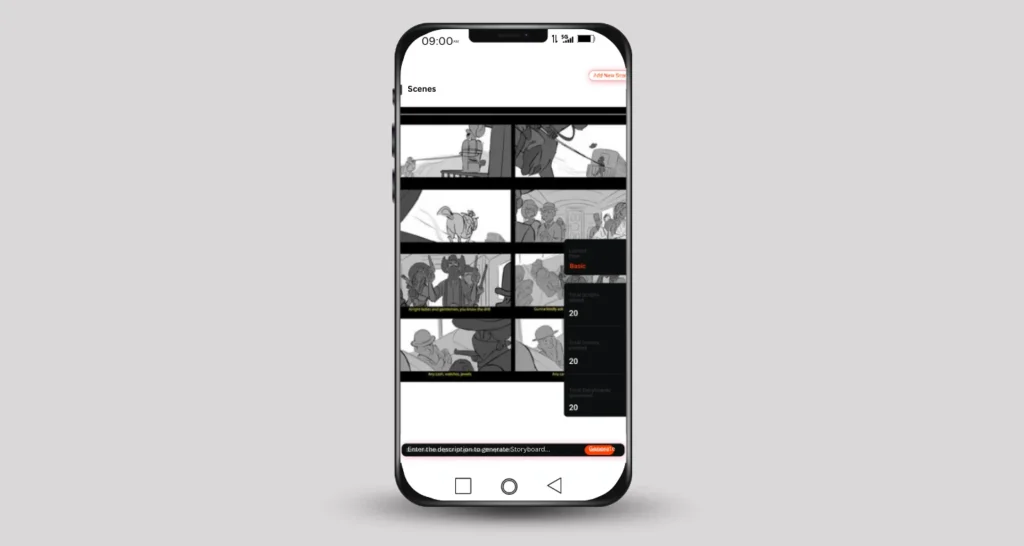
Mobile-Friendly Workflow
Capture references and thumbnails on the go—works great with an app storyboard creator approach.
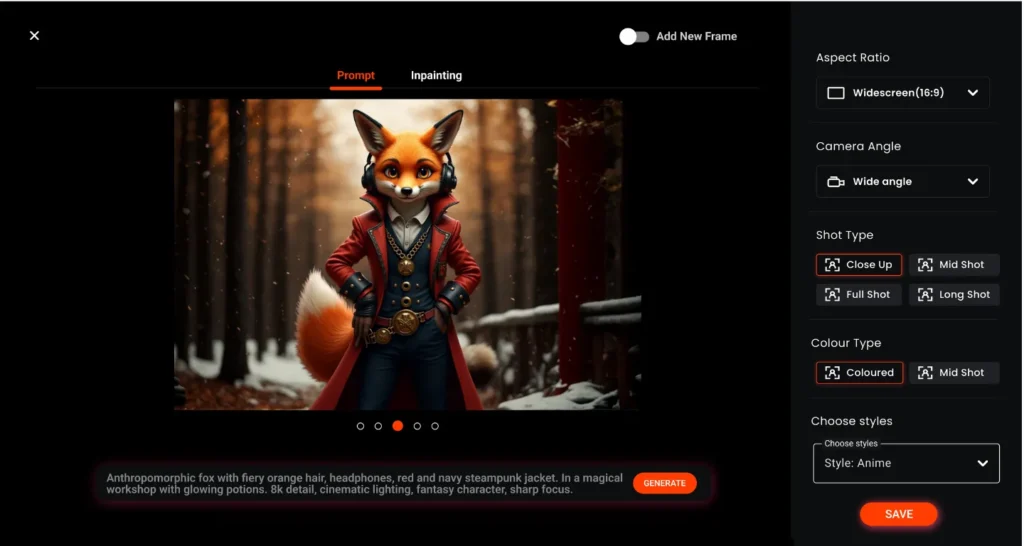
Creative Integrations
Bring in placeholders from an AI character maker to explore looks before final designs.
Flexible Ecosystem
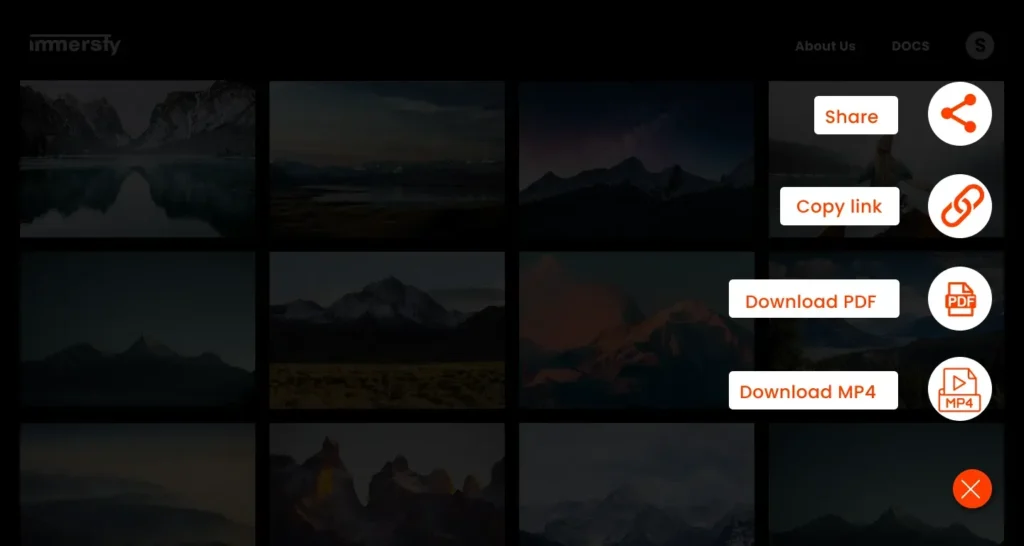
Seamless with your editing flow, import/export images, PDFs, CSVs, and MP4s.
Why Filmmakers & Creators Trust Immersfy
Designed to be the best storyboard software for filmmakers who need meticulous control without the learning curve.
Step-by-Step Stop-Motion Animation Storyboard Workflow
Export for Production
Export everything instantly—PDF boards, shot lists, dope sheets, and an MP4 animatic—or sync with your editor so the stop-motion shoot begins with complete, shareable documentation.
Quick Answers:Stop-Motion Animation Storyboard Explained
Unlike traditional animation, stop motion requires ultra-detailed planning because every single frame involves physical adjustments to props, lighting, and characters. A storyboard here isn’t just about visuals—it’s a production map that prevents mistakes. Immersfy gives you frame-accurate panels, exposure counts, and camera notes so you can stay organized from the first sketch to the final shot.
A storyboard is a sequence of panels with notes. An animatic adds timing (and optional audio) so you can preview pacing before production.
Begin with a clear script, then break it into key moments. Sketch each scene, marking character poses, camera placement, lighting, and timing. Add detailed notes for transitions and movements. Immersfy makes this easier with built-in timing tools, dope sheet exports, and reusable templates—so your storyboard doubles as a ready-to-use production guide.
The time depends on your project’s length and complexity. A one-minute sequence at 24 frames per second may involve over a thousand shots, which can take days to storyboard properly. With Immersfy, you can duplicate templates, adjust panel timings, and instantly generate animatics—cutting down planning time while keeping accuracy intact.
Yes. Drag-and-drop images or upload directly; annotate with arrows, masks, and camera notes to capture intent clearly.
Absolutely. Panel durations and exposure counts generate dope-sheet-style outputs alongside shot lists and CSV exports.
Yes—recording dialogue before animation ensures smoother lip-syncing and more natural pacing. When you know the length of each spoken line, it’s easier to storyboard movements around it. Immersfy supports audio import in animatics, letting you preview timing with voices before you start animating, saving time and keeping everything consistent.
Send a secure link for view or comment access. Use version history and panel locks to control change management.
At a minimum, you’ll need a stable camera or smartphone, a tripod, consistent lighting, props or puppets, and stop-motion software. Storyboarding is equally important, and that’s where Immersfy comes in. By mapping frames, timing, and camera setups before shooting, you’ll make the most of your gear and avoid unnecessary reshoots.
PDF boards, MP4 animatics, CSV shot lists, and image sequences—ready for handoff to production and editorial.
Use it
Master Your Stop-Motion Animation Storyboard in 2025!
- Plan every scene and shot with precision
- Bring characters and movements to life
- Save time with an organized storyboard workflow
- Boost creativity and storytelling quality