Transform Your Script into Beautiful Visuals in Minutes
Turn Ideas into Illustrated Masterpieces with Book Storyboard
Create your book storyboard in minutes with Immersfy’s drag-and-drop tools and AI-powered chatbot—perfect for writers and illustrators.

What is a Storyboard Book?
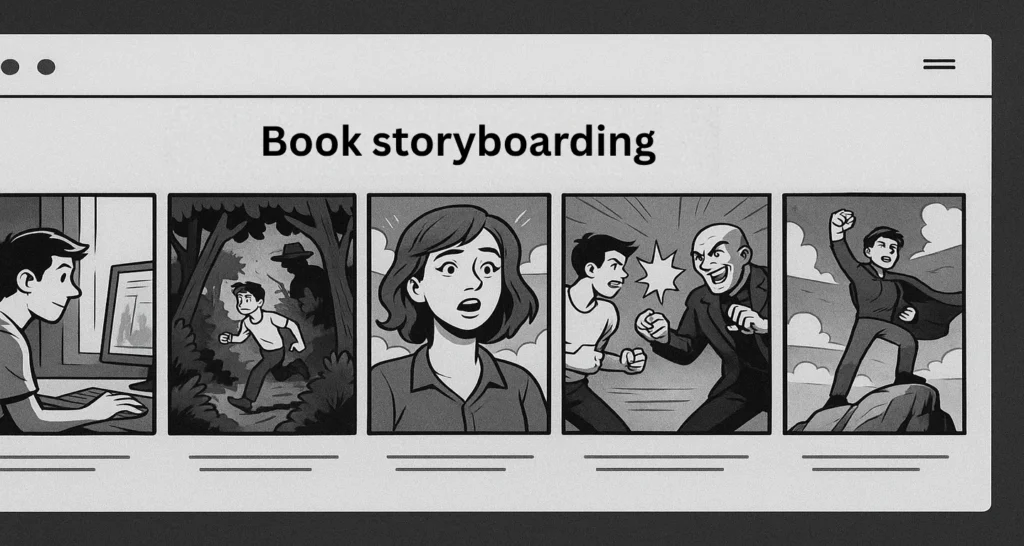
A storyboard book is a planning tool that helps writers and illustrators visually organize the flow of a story before writing or illustrating it fully. It includes scene-by-scene layouts, character placement, dialogues, and key plot points—just like a comic strip or visual outline.
Storyboarding a book makes it easier to structure your narrative, refine pacing, and ensure smooth transitions between chapters. Using a storyboard template is especially useful when creating children’s books, graphic novels, picture books, or any project that combines text and visuals. It helps authors stay focused and allows illustrators and editors to collaborate effectively.
Immersfy Storyboarding Features That Empower Your Creative Process
Immersfy’s Online storyboard creator offers advanced tools tailored to make your book storyboarding efficient and inspiring:
Versatile Templates for Every Book Genre
Choose from a wide variety of customisable templates designed to fit children’s storyboarding books, graphic novels, and more.
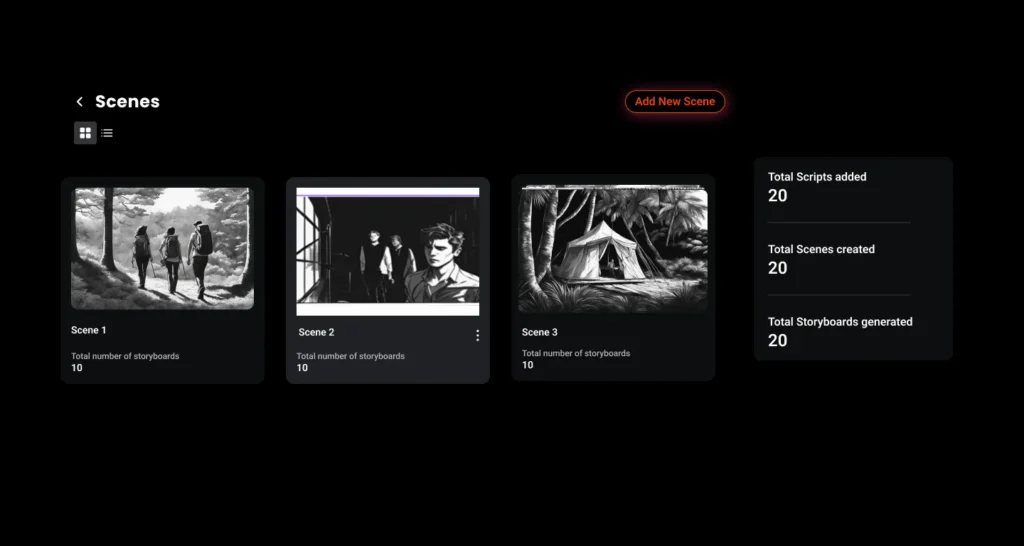
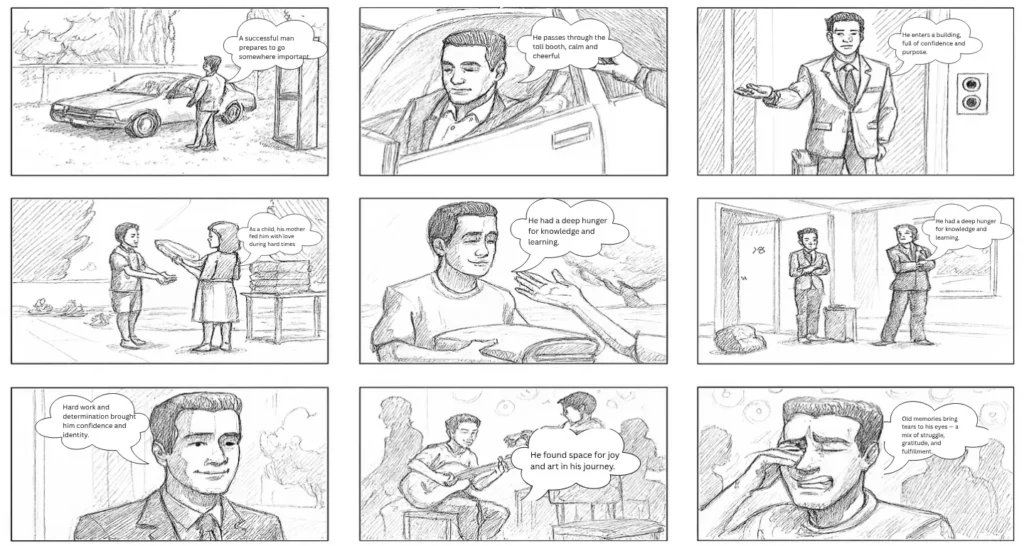
Interactive Scene Mapping
Visualize your story structure clearly using easy drag-and-drop scene cards, helping you organize plot points smoothly.
Real-Time Team Collaboration
Connect instantly with illustrators, editors, or co-authors to review and refine your storyboard together.
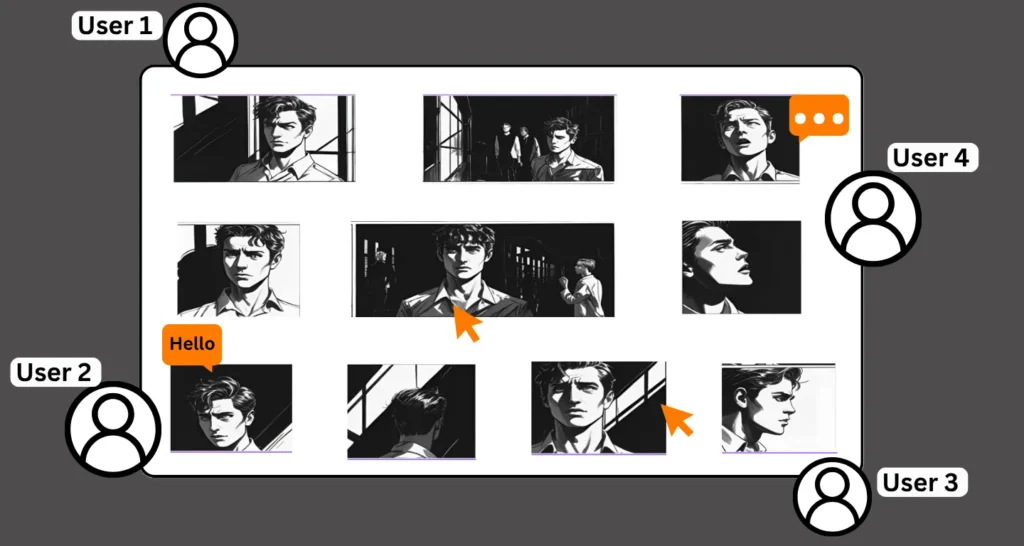
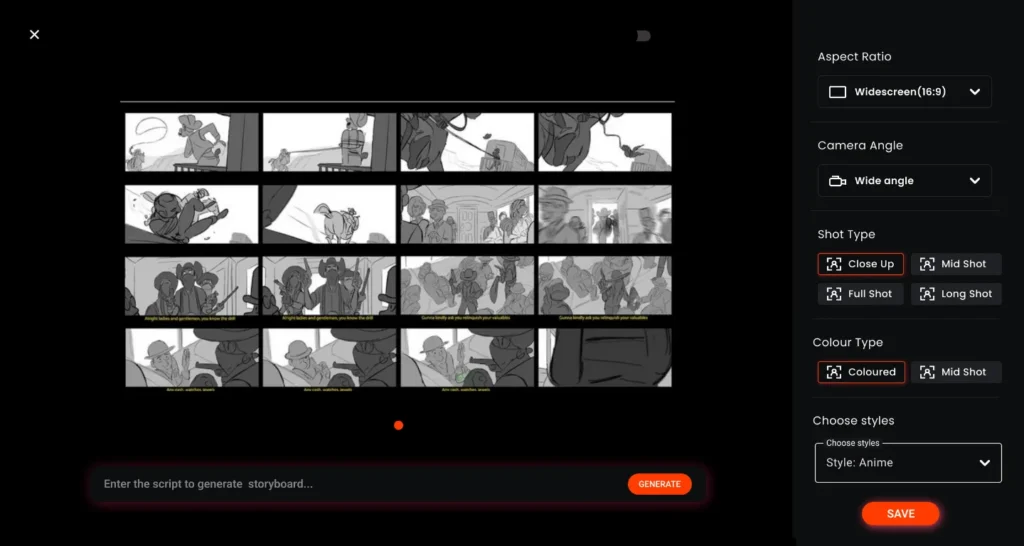
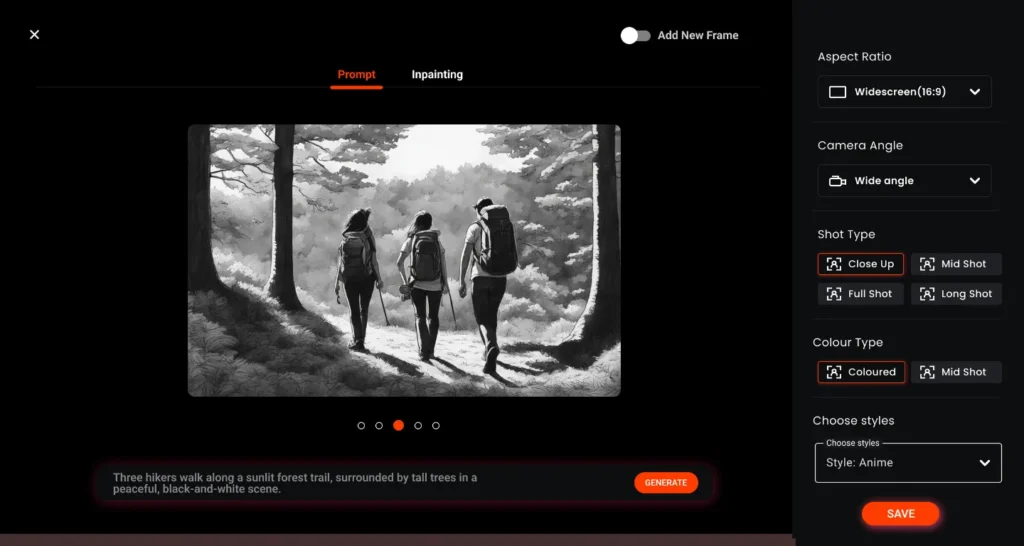
Automatic Script-to-Visual Conversion
Export your storyboard as a PDF or PNG and work with your team using our interactive storyboard creator for film.
AI-Powered Creative Assistance
Get smart suggestions on story flow, scene transitions, and character development to polish your narrative.
Smooth Workflow till Final Illustration
Easily move from planning to production with storyboarding tools that help transition your storyboard into finished artwork.
Pre-Storyboard Planning: Build a Strong Foundation with Immersfy
Before creating your book on a digital storyboard creator, focus on these key planning steps:
How to Create a Storyboard for a Book with Immersfy
Export or Sync with Publishing Software
Export your storyboard in popular formats or sync it directly with your publishing tools for a seamless production process.
Flexible Plans for Every Team
Use it
Create your Idea to Life with Our Film Story Board Maker
Join immersfy today and create your Film stories with our free AI software.
Frequently Asked Questions About Book Storyboarding
Yes, many authors use the storyboard website for book planning to visualize their narratives. Storyboarding for writers helps organize plot points, sequence scenes, and coordinate text with illustrations—especially in children’s books, graphic novels, and other visual storytelling formats.
A storyboard for a book is a visual representation that breaks the story into key scenes or pages. It often includes sketches, layout notes, dialogue snippets, and pacing cues, making it an essential tool when creating a storyboard for a book that involves illustrations.
The basic rule in storyboarding for writers is to ensure clarity and narrative flow. Every scene or panel should move the story forward, maintain logical progression, and support effective pacing.
The length of a storyboard for a book depends on the book’s genre and structure. Picture books may use a storyboard template for 24–40 pages, while graphic novels and comics might need hundreds of storyboard panels to capture detailed storytelling.
Yes! You can register and use Immersfy for free. The free plan offers basic creative features and enables you to test the storyboard generator
Typically, the script or manuscript comes first. Writers draft the content, then use storyboarding for writers to visualize scenes. However, some authors may begin by creating a storyboard for a book to shape the plot and pacing early in development.
Yes, each section of a storyboard for a book often includes titles or labels to identify the purpose of a scene or page. This is especially helpful in storyboarding for writers collaborating with illustrators or editors.
Storyboarding for writers provides a visual structure, helping identify pacing problems, plot inconsistencies, or character development gaps before finalizing the draft or layout.
Absolutely. A shared storyboard for a book makes it easier for writers, illustrators, editors, and publishers to stay aligned. This visual guide enhances communication and ensures consistency throughout the project.
Tools like Immersfy or Canva are popular among writers and illustrators for creating a storyboard for a book. These platforms offer storyboard templates, drag-and-drop features, and real-time collaboration capabilities.
While not essential for all genres, storyboarding for writers is highly recommended when visuals and text need alignment—such as in children’s books, graphic novels, or illustrated guides. It improves workflow and strengthens the final storytelling.
